
A clearer picture of the property
Help clients see
the space.
Give buyers a clearer view before the viewing. Build a 3D layout from your floorplan, add photos of each room and download a tour they can explore.
Free · No account · Your files stay on your device
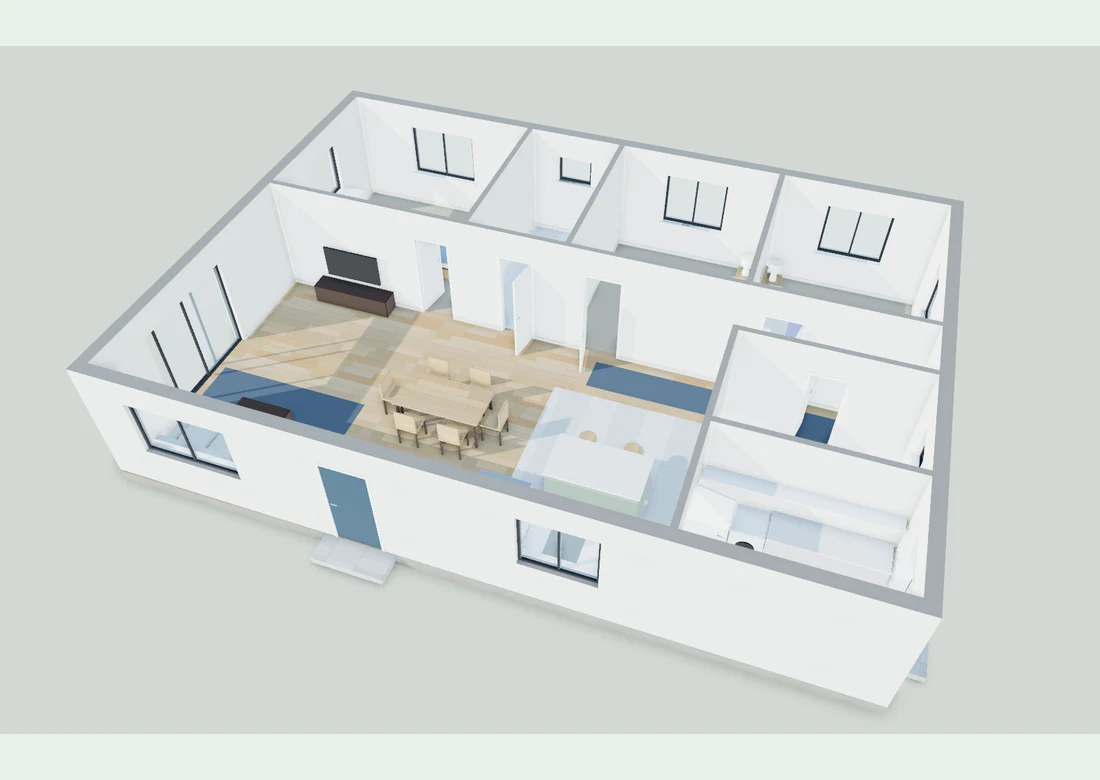
From plan to presentation
From floorplan
to client presentation.
- 01
Open your floorplan.
Choose a PDF, PNG or JPG from your device. Use a labelled measurement on the plan to set the scale. Clear plans with straight walls work best.
- 02
Check the layout. Add photos.
Check the detected walls, doors and windows, then name the rooms. Add your property photos and place them on the plan where they were taken.
- 03
Download it for your client.
Send a layout image, or download an interactive tour that opens offline in a desktop browser. Save a project file to make changes later.
Your property files stay private
On your device.
Under your control.
Your floorplan and photos stay in your browser. You choose which files to download and send to a client. There’s no account to create or public link to manage.
Check the scale, walls, doors and room names against your floorplan before sending the tour. Furniture is for illustration only. Room sizes are estimates and shouldn’t be used as the property’s official saleable area.
Before you start
Does it work with every floorplan?
Clear plans with horizontal and vertical walls give the best results. You can draw angled walls by hand. Colour brochures, small scans and curved walls may need more editing, so check the result before showing it to a client.
How do I get the scale right?
Use a labelled length on the floorplan, such as a bedroom wall. Select its two ends and enter that length. You’ll need to do this before downloading an image or tour from an imported plan. Room sizes remain estimates; use the property’s official documents for saleable area.
How do I send the tour to a client?
Send the PNG image for a quick look at the layout. For an interactive tour, send the downloaded HTML file and ask your client to open it in a desktop browser that supports 3D graphics (WebGL). It includes the photos and works offline. Some email and mobile apps block HTML files, so use the PNG in those cases.
Will my work be saved?
The editor saves a draft in this browser when storage is available. Download a project file before you finish so you have a backup you can reopen. Private browsing, clearing site data or running out of browser storage can remove the draft. You can also open an existing OpenHouse project file.